 Pebble Reef
Is Pebble Reef an aquarium screensaver? No. It is an interactive Mac app that lives behind your normal windows. Use it when you want a fish tank present while you work, rather than only after the computer becomes idle.
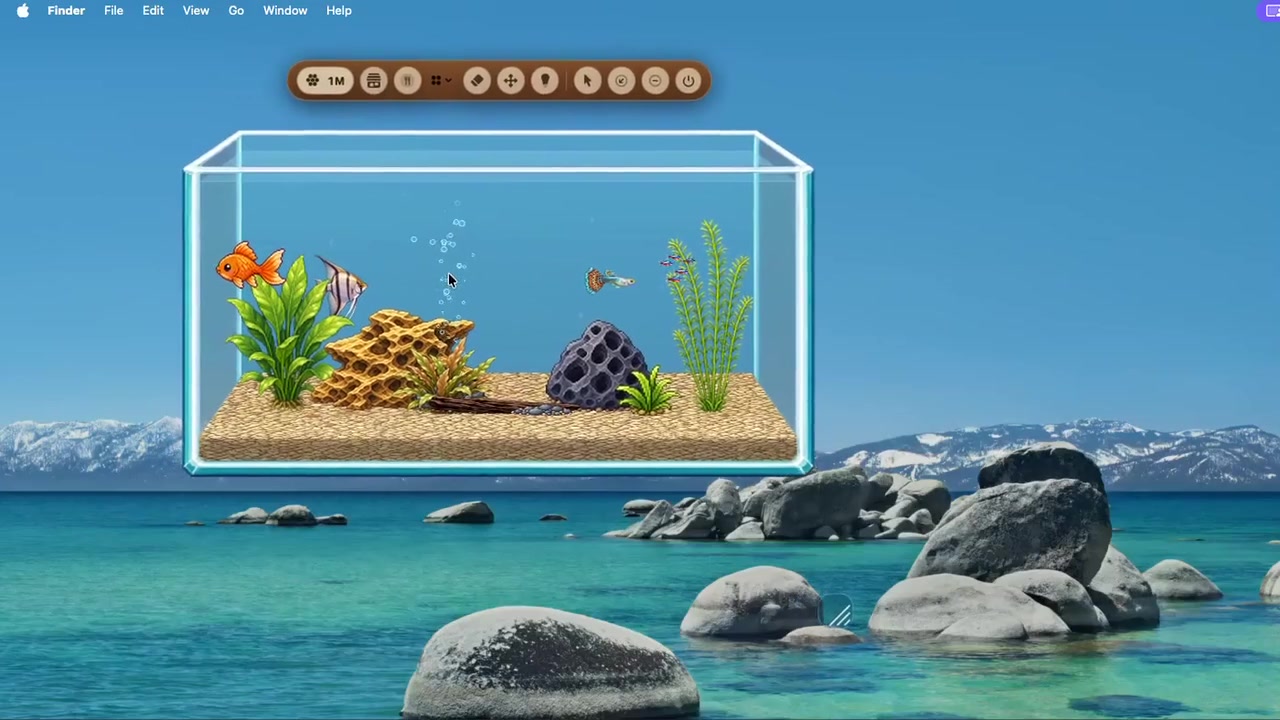 Actual Mac footage
Watch the 29-second desktop aquarium demo
See how the interactive aquarium sits behind ordinary Mac windows.
Actual Mac footage
Watch the 29-second desktop aquarium demo
See how the interactive aquarium sits behind ordinary Mac windows.
Screensaver, wallpaper, video, or desktop aquarium?
The right choice depends on when you want to see the fish and whether you want to interact with them.
| Option | Best for | Main limitation |
|---|---|---|
| Aquarium screensaver | A passive display while your Mac is idle | Disappears when you resume work |
| Fish video | A quick full-screen aquarium with no installation | Repeats the same recording and needs a player |
| Live wallpaper | Continuous background motion | Usually little or no interaction |
| Pebble Reef | A living, interactive tank during normal Mac use | It is an app, not a system screensaver |
Why choose an interactive desktop aquarium?
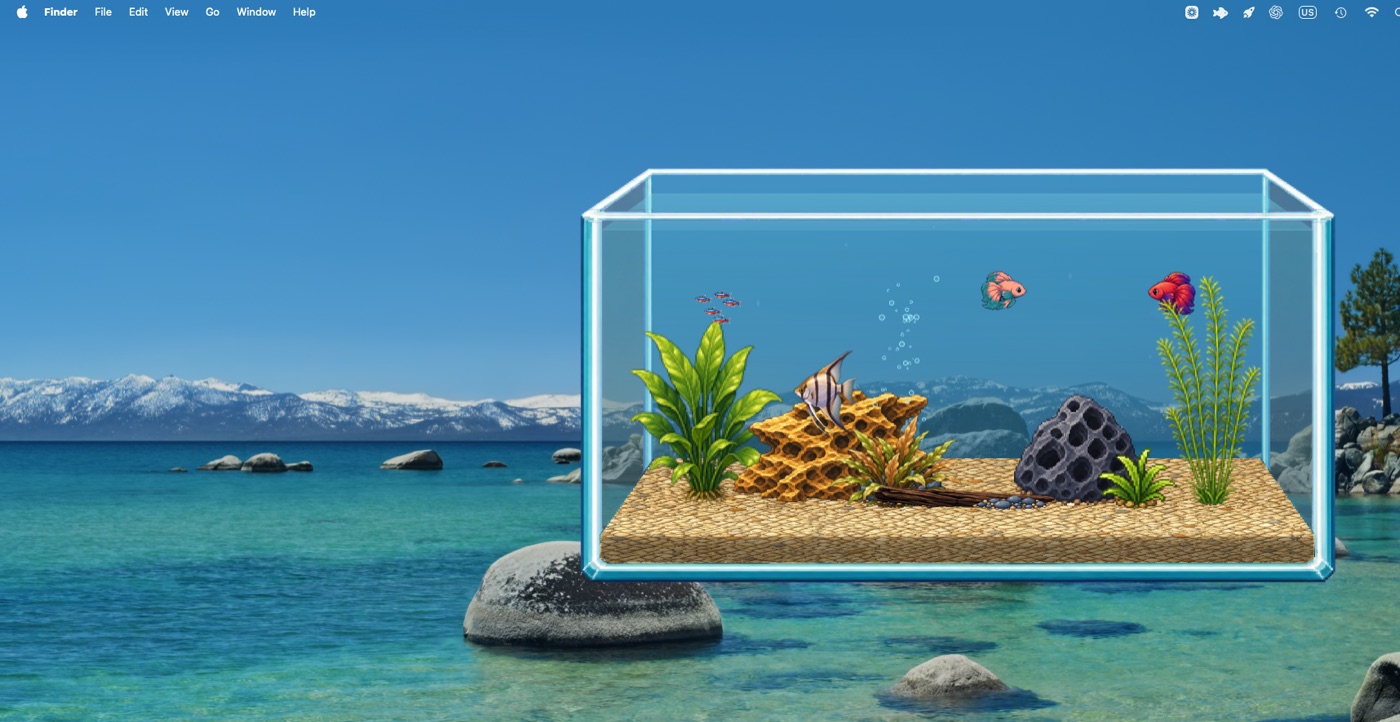
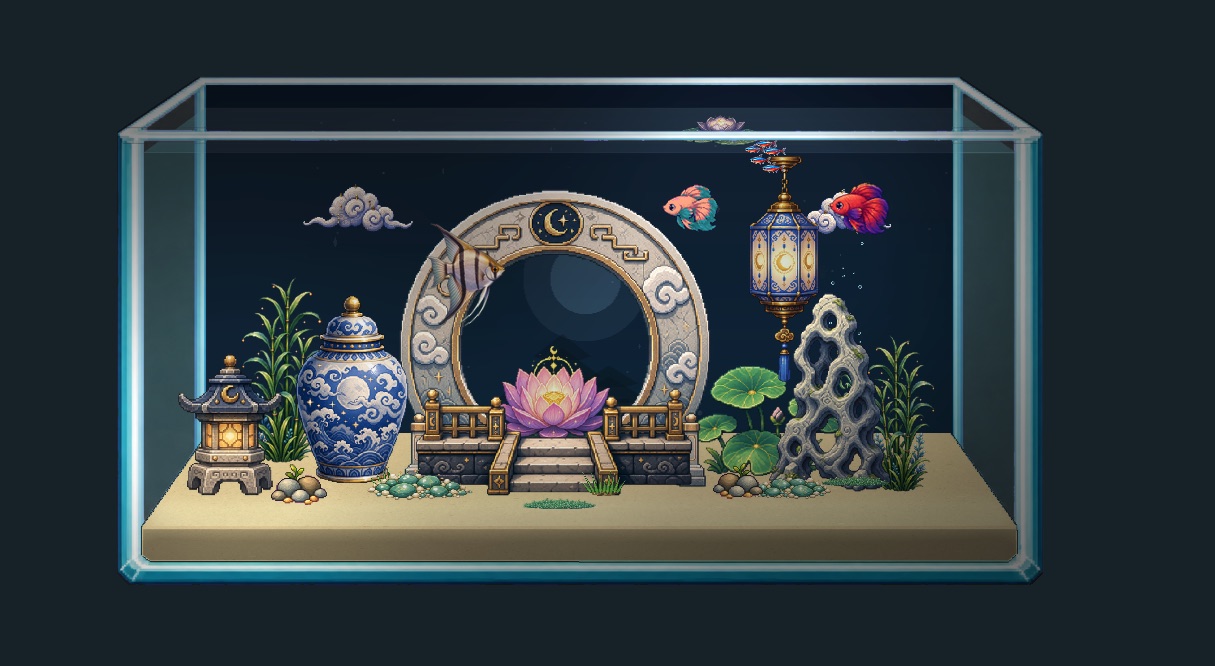
A screensaver is primarily decoration for an idle screen. Pebble Reef treats the aquarium as a small place that persists while you use the Mac. Fish follow their own routines, you can feed them, and optional packs change the environment.
Because the tank stays behind other windows, it can remain part of the desktop without covering the task in front of you.
When a traditional screensaver is better
Choose a conventional aquarium screensaver if you only want fish to appear while the computer is untouched, want no interaction at all, or need something managed entirely through macOS Screen Saver settings.
Choose Pebble Reef if you want the aquarium to be visible during everyday computer use and prefer living fish behavior over a fixed loop.
Frequently asked questions
Will Pebble Reef start from the macOS Screen Saver settings?
No. Pebble Reef launches as a Mac app and does not install a macOS screen-saver module.
Can I keep the fish visible while I work?
Yes. That is the main difference: the aquarium can stay behind your normal windows during everyday Mac use.
Is it a live wallpaper?
No. It behaves like a desktop aquarium app rather than replacing your configured wallpaper.
Want fish that keep living?
Try the free interactive desktop aquarium for Mac.