 Pebble Reef
Can you put a virtual aquarium on a Mac? Yes. Pebble Reef is a free Mac app that creates an interactive virtual fish tank behind your normal windows. It works on macOS 14 or later on Apple silicon and Intel Macs.
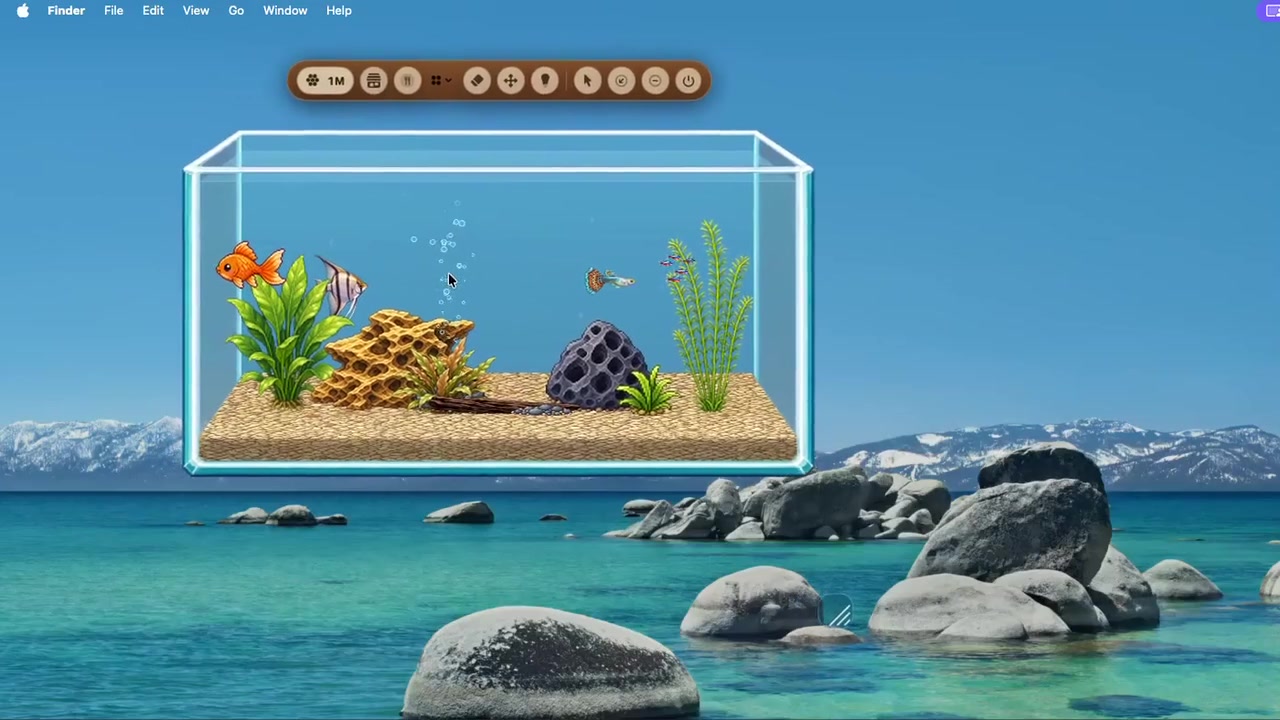 Actual Mac footage
Watch the 29-second desktop aquarium demo
See the fish, tank, and behind-your-windows layout in motion.
Actual Mac footage
Watch the 29-second desktop aquarium demo
See the fish, tank, and behind-your-windows layout in motion.
What “virtual aquarium” can mean
People use the phrase for several different experiences: a passive video, a screensaver that appears when a computer is idle, a wallpaper, an aquarium-building game, or a living fish app. They look similar in a screenshot, but they behave differently.
| Type | When it appears | Interactive? |
|---|---|---|
| Fish video | While a video player or browser is open | No |
| Aquarium screensaver | After your Mac becomes idle | Usually not |
| Live wallpaper | As the desktop background | Usually not |
| Pebble Reef | Behind your windows during normal Mac use | Yes |
How Pebble Reef works
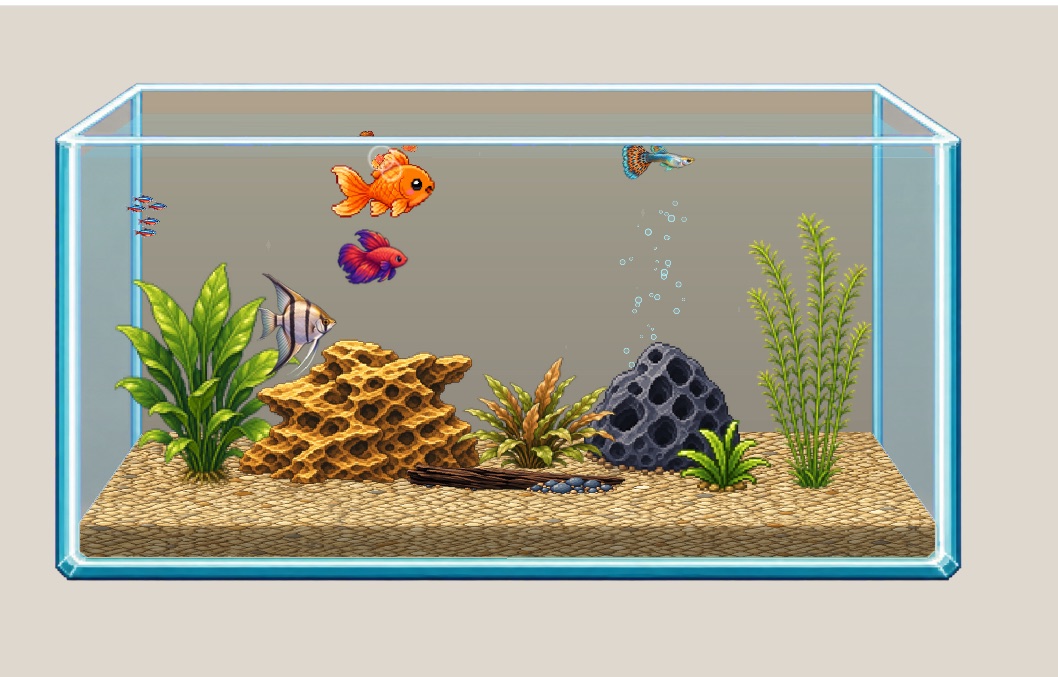
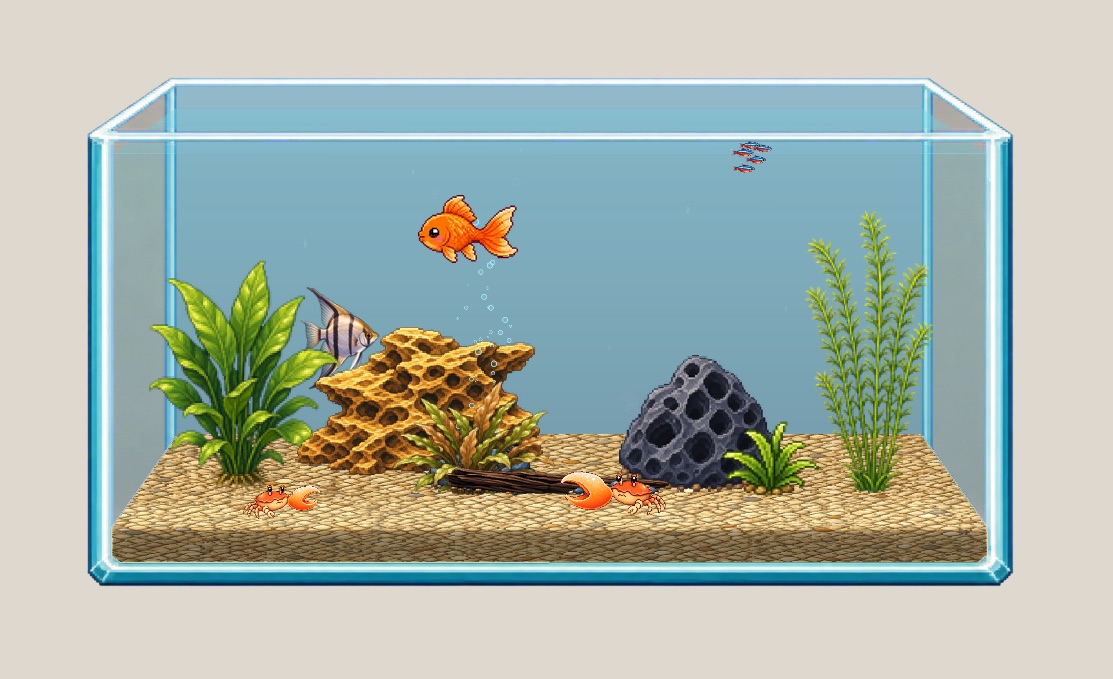
Pebble Reef turns part of the Mac desktop into a living pixel-art aquarium. Fish continue swimming while you work. When you want to interact, you can feed them, observe their routines, or change the tank’s look.
The aquarium is meant to be calm background company rather than a full-screen game that constantly asks for attention. The base app is free; optional in-app purchases add fish and complete theme packs.
Who is an interactive aquarium for?
A desktop aquarium makes sense if you want something alive on your screen while studying, writing, coding, or working from home—but do not want a pet that walks over your documents or sends frequent alerts.
- For a calm desktop: the fish stay behind your other windows.
- For a virtual pet: you can feed the fish and return to a tank that keeps moving without you.
- For customization: change floors, back walls, fish, lighting, and complete themes.
- For a passive display: if you never want interaction, a video or screensaver may be the simpler choice.
Frequently asked questions
Is Pebble Reef a virtual fish tank game?
It has care, collecting, customization, and virtual-pet elements, but it is designed to live quietly on the desktop rather than take over the whole screen.
Does it replace the Mac wallpaper?
No. Pebble Reef is an app that appears behind your windows; it does not replace the wallpaper file configured in macOS.
Is there an iPad version?
An iPad version is in development. The Mac version is available now, and the iPad waitlist is open.
Try the living version.
Download the free virtual aquarium for Mac.